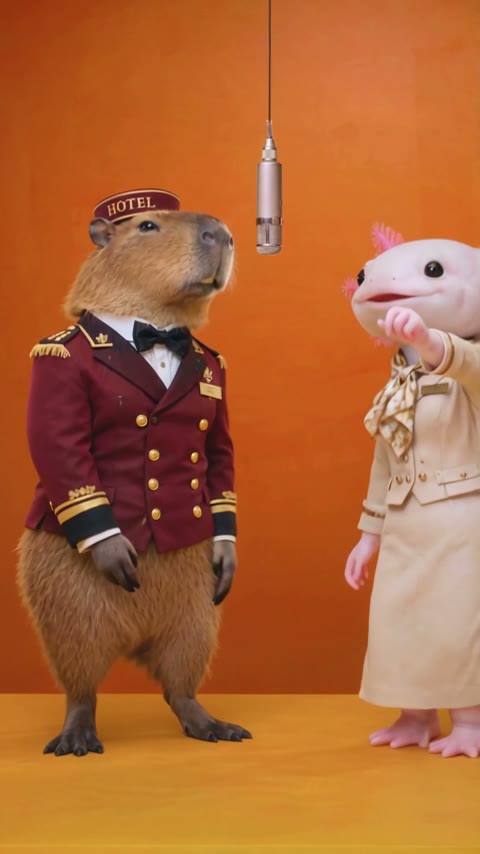
A browser-based tool made for the two-photo workflow
You can use Hotel Lobby AI Generator to create your own version of the Hotel Lobby trend. Our tool runs in your browser: upload one photo for each performer, choose the available settings, and generate a video. You do not need to install an app, write a prompt or build the scene in a video editor.
The same workflow supports people and pets. A single-video purchase works without signing in; Studio adds Google sign-in, credit packs and more output settings. For the actual upload-to-download steps, follow How can I make the Hotel Lobby AI video with my own photos?
What should a Hotel Lobby AI tool do?
When choosing a tool for this format, check the input and output workflow before paying. The name of a model alone does not tell you whether a website has the controls you need.
- Accept two separate subject photos. You should be able to assign one performer to the left and another to the right.
- Provide the performance setup. A dedicated workflow lets you start from photos without assembling motion references and editing a timeline yourself.
- Show the format and cost before generation. Check video length, resolution, aspect ratio and the price or credits required.
- Let you return to the result. Look for a task-status page, an accessible player and a download option.
Hotel Lobby AI Generator provides these controls through its homepage generator and Studio. AI results still vary; a tool supporting two photos is not a promise of perfect likeness.
Which option should I use on this site?
Try one clip
Single video: no account needed
Use the homepage generator for one 15-second, 720P video. Choose portrait 9:16 or landscape 16:9, then pay $7.99 once through Waffo Checkout. The finished video is available through your private order page and delivery email.
Make a single video →Choose your settings
Studio: create with credits
Use Studio if you want 5-, 10- or 15-second clips, or a choice of 480P, 720P and 1080P. Sign in with Google and buy a 360- or 1,200-credit pack. Check Cost per video before generating.
The current result appears in Create, and History keeps your Studio video records. Credit packs are one-time purchases, not subscriptions, and each pack is valid for 365 days from successful payment.
Explore Studio →See current credit-pack prices before purchasing. Download your finished videos within the 20-day media access period; the longer credit expiry does not extend video storage.
Do I need a mobile app or a video editor?
No app installation is required to use this site. Open it in a browser on your phone or computer, select your photo files and use the on-page controls.
A video editor can be useful afterward if you want to add captions, trim the downloaded result or combine it with other footage. The generation step on this site does not require manual keyframes or an editing timeline.
If you want the story behind the two-performer format, read the Hotel Lobby AI trend guide. This site is an independent creation tool, not an official app from the artists or the original performance.
Use photos that give the AI clear information
Choose one well-lit image per subject. A clear portrait provides face detail; a full-body photo also shows the outfit and proportions. Avoid group photos, hidden faces and cropped screenshots with buttons or captions.
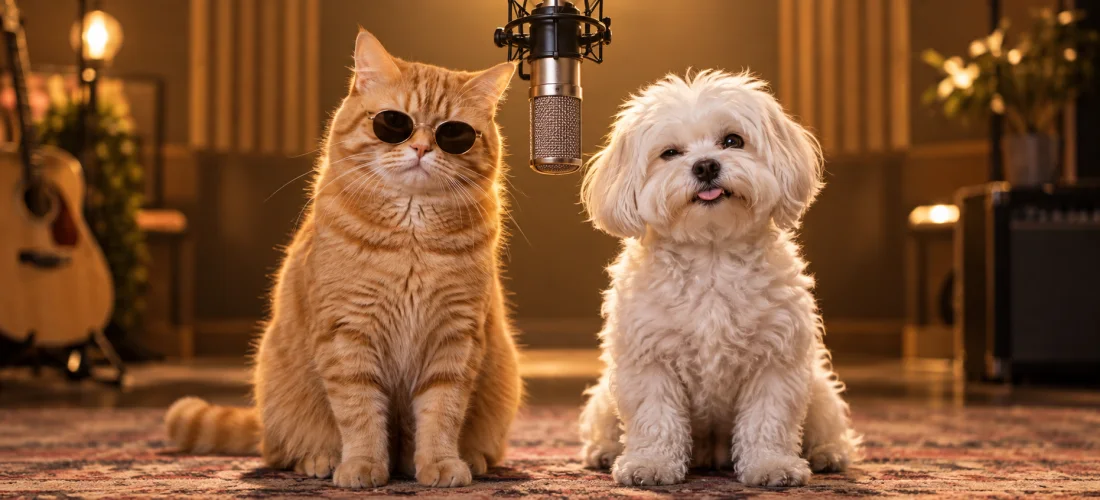
JPEG, PNG and WebP are supported, up to 10 MB per image. See our photo examples before uploading.
Is making the video free?
You can watch the examples and read the guides without paying. Creating your own video is paid: choose the single-video purchase or buy Studio credits. Both use one-time payments without automatic renewal.
With Studio, a final generation failure returns the credits deducted for the task. Single-video orders have a separate delivery policy. Check the refund policy and terms before purchasing.
Common questions
What app can make the Hotel Lobby trend from photos?
Hotel Lobby AI Generator can make a two-performer video from two photos. It is a browser-based tool with a single-video option and Studio credits.
Can I use it on my phone?
Yes. Open the site in your browser and select photos from your device. You do not need a separate mobile app.
Can I choose 1080P?
Yes, in Studio. The homepage single-video option is 720P. Studio also offers 480P and 720P.
Do I need a subscription?
No. The single video and Studio credit packs are one-time purchases with no automatic renewal.
How do I start?
Prepare two clear photos and open the homepage generator, or sign in to Studio if you want to choose the video length and resolution. The two-photo tutorial walks through both routes.
Your photos. Your performers.
Make your own Hotel Lobby AI video
Choose two photos and start with a single video, or open Studio to pick your settings.